PLC Monitor
PLC monitoring tool.
- Major progress in online PLC support for the IGS-NT controller family.
- Saves significant time during commissioning – provides an overview of all current PLC values.
- In addition to the “PLC Editor”, which allows PLC programming, we now offer an online presentation of PLC information.
- Intuitive operation and easy visualization of signals.
- Consistent graphics with “PLC Editor”.
- Zoom function for optimized reading.
PLC Monitor supports the following controllers:
- InteliGen NT.
- InteliSys NT.
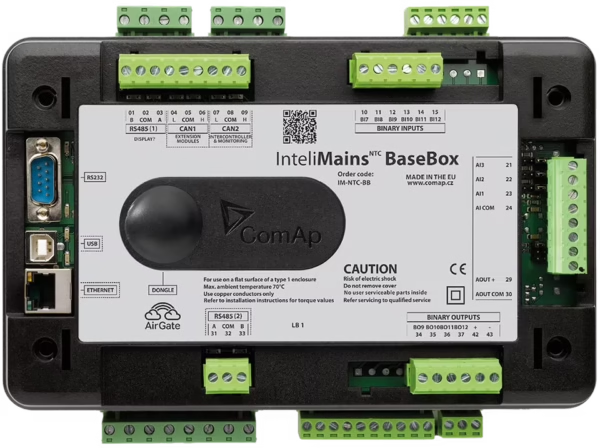
- InteliMains NT.
- InteliDrive DCU.
- InteliDrive Mobile.
PLC Monitor is part of InteliMonitor. To activate it, go to: InteliMonitor > Help > Activate PLC Monitor.
——————————————————————————-
To activate the full version PLC Monitor Full:
1. step – Download ComAp IGS-NT Install PC Suite with InteliMonitor or just download InteliMonitor Install Suite which contains the new PLC Monitor (if it is not already installed).
When the installation is finished and you run InteliMonitor, click on Help / PLC Monitor Activation and remember the number shown there (See the example below).